Image Crop
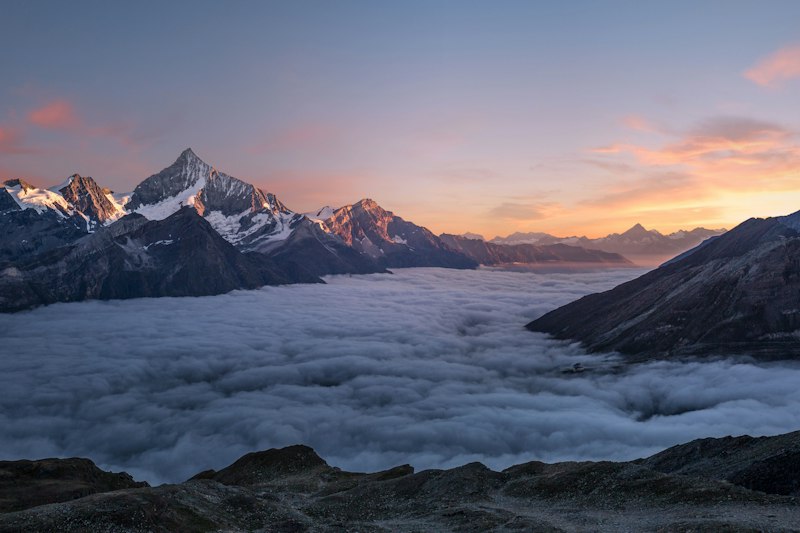
An image crop editor with zoom, rotation, and canvas output.
Installation
Add the image crop component with the shadcn CLI.
npx shadcn@latest add https://yami.ui.unsanity.ai/r/image-crop.jsonUsage
import { ImageCrop, getCroppedImage } from "@/components/ui/image-crop"

<ImageCrop
  src="/photo.jpg"
  aspect={16 / 9}
  showRotation
  onCrop={async (blob, area) => {
    // blob: Blob ready for upload
    // area: { x, y, width, height } in pixels
    const url = URL.createObjectURL(blob)
    console.log(url, area)
  }}
  onCancel={() => setOpen(false)}
/>
Examples
Square (avatar)
1:1 aspect with round crop shapeCode
import { ImageCrop } from "@/components/ui/image-crop"

<ImageCrop
  src="/photo.jpg"
  aspect={1}
  cropShape="round"
  onCrop={(blob) => uploadAvatar(blob)}
/>
16:9 with rotation
Landscape crop with rotation control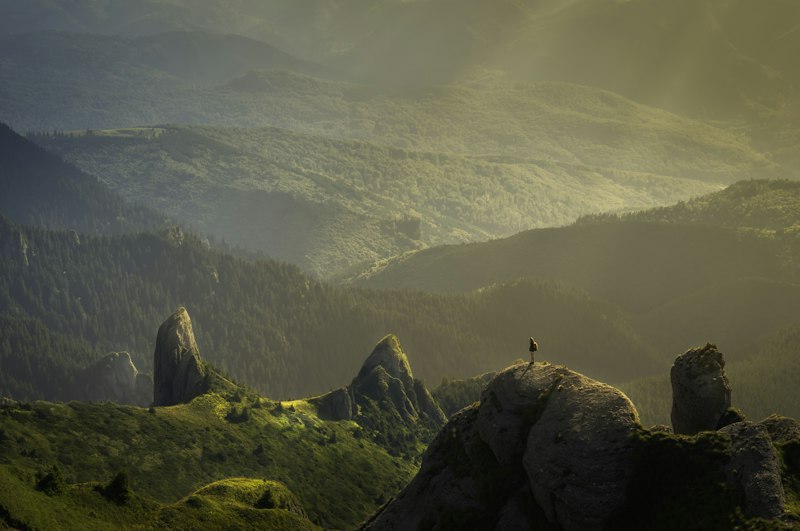
Code
import { ImageCrop, getCroppedImage } from "@/components/ui/image-crop"

<ImageCrop
  src="/photo.jpg"
  aspect={16 / 9}
  showRotation
  onCrop={(blob, area) => {
    const url = URL.createObjectURL(blob)
    setPreview(url)
  }}
  onCancel={() => setOpen(false)}
/>